How to Write an ATS-Friendly Resume in 2026
Over 75% of resumes are rejected by Applicant Tracking Systems before a human sees them. Learn how to format yours to pass the bots.
In 2026, the job market is highly competitive, and Applicant Tracking Systems (ATS) are the ultimate gatekeepers. If your resume isn't optimized for these automated software filters, there's a strong chance a human recruiter will never even see it.
What is an Applicant Tracking System (ATS)?
An Applicant Tracking System (ATS) is software used by HR and recruiting teams to manage the hiring process. When you submit your resume online, it usually doesn't go straight to a recruiter's inbox. Instead, it gets processed, scanned, and ranked by an ATS.
The ATS parses the text in your resume, extracting important details like contact info, experience, and skills. Recruiters then search the ATS using specific keywords to find the most qualified candidates. If your resume lacks the right keywords or uses an unreadable format, you simply won't appear in their search results.
Why Most Resumes Fail the ATS Test
The most common reason a resume fails an ATS scan isn't a lack of skills—it's poor formatting. While a heavily designed, graphic-rich resume might look impressive to a human, to an ATS, it often looks like a garbled mess of broken text.
- Complex Layouts: Multiple columns, sidebars, and text boxes confuse parsing algorithms. ATS reads top-to-bottom, left-to-right.
- Graphics and Images: ATS software cannot read text embedded in images or charts. If you use a visual chart to display your skill levels, the ATS sees nothing.
- Unusual Fonts: Stick to standard, web-safe fonts like Arial, Calibri, Times New Roman, or Helvetica.
- Missing Keywords: If you use the term "Customer Support" but the job description asks for "Client Relations," the ATS might not match you.
Step-by-Step Guide to Making Your Resume ATS-Friendly
1. Use a Simple, Single-Column Layout
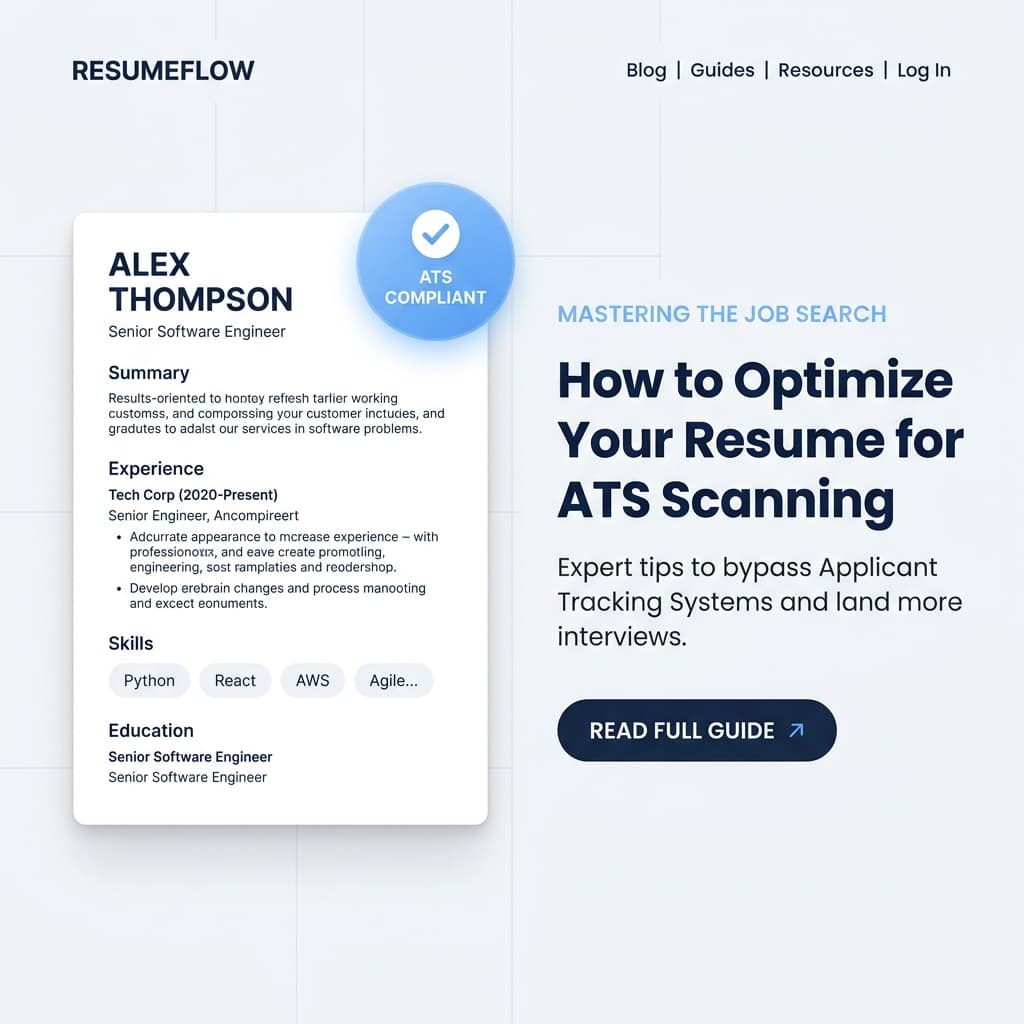
While creative industries sometimes appreciate unique designs, standard corporate roles require ATS compliance. A single-column layout ensures the ATS reads your work experience chronologically without getting confused by sidebars.
2. Optimize Your Keywords
Keywords are the lifeblood of an ATS. Read the job description carefully and identify the exact terms they use for skills and tools. Mirror those exact phrases in your resume. If they ask for "Search Engine Optimization," write it out rather than just putting "SEO." Ideally, include both: "Search Engine Optimization (SEO)."
3. Use Standard Section Headings
Don't try to be clever with your headings. Instead of "Where I've Been," use "Work Experience." Instead of "Things I Know," use "Skills." The ATS relies on these standard headings to categorize your information.
4. Format Your Dates Correctly
ATS software looks for standard date formats. Stick to "Month Year" (e.g., March 2023 - Present) or "MM/YYYY" (e.g., 03/2023 - 08/2026).
Conclusion
Writing an ATS-friendly resume doesn't mean it has to be boring. It means it needs to be clean, organized, and highly relevant. By focusing on standard formatting and targeted keywords, you ensure that your resume actually makes it through the digital gates.
Ready to build your ATS-friendly resume?
Try our Free Resume Builder to automatically format your CV for applicant tracking systems. Looking for inspiration? Browse our collection of Resume Examples for every industry.
Frequently Asked Questions
What is an ATS friendly resume?
An ATS friendly resume is one formatted specifically to be read by Applicant Tracking System software. It avoids complex layouts, graphics, and unusual fonts so the software can easily parse the text and keywords.
Can ATS read PDF resumes?
Yes, modern Applicant Tracking Systems can parse PDF files perfectly. In fact, PDF is often recommended because it preserves your formatting across all devices.
Should I use invisible text to trick the ATS?
No. Using white or invisible text to keyword-stuff your resume is a known 'hack' that modern ATS algorithms easily detect. It will likely get your application automatically rejected.
Ready to land your dream job?
Put these tips into practice immediately. Use our free, ATS-friendly resume builder and professionally designed templates to stand out.